MCP Server
nAnalyst exposes all of its network intelligence tools as a Model Context Protocol (MCP) server running on your ntopng instance. This allows any MCP-compatible AI client — such as Claude Code, Cursor, or a custom agent — to query ntopng data and take actions directly.
What is MCP?
The Model Context Protocol is an open standard that lets AI applications connect to external tools and data sources through a defined interface. An MCP server exposes a set of tools that any compatible LLM client can discover and call.
ntopng’s MCP server makes the full nAnalyst tool set available to external clients without any additional installation.
Connecting an MCP client
No additional software needs to be installed on the ntopng host. The MCP server runs as part of ntopng and is available as soon as nAnalyst is enabled.
Claude Code
To connect to the internal ntopng MCP server, simply type the following command on the machine running claude code:
claude mcp add-json ntopng \
'{"type":"http","url":"http://NTOPNG_URL:NTOPNG_PORT/lua/rest/v2/exec/llm/mcp.lua","headers":{"Authorization":"Token YOUR_TOKEN"}}' \
--scope user
Authentication
MCP requests are authenticated using ntopng API keys. Keys are generated and managed in ntopng under User -> User Authentication Token. Assign appropriate permissions to the key based on whether the client needs read-only access or the ability to create policies and monitoring scripts.
Note
The MCP server honours ntopng’s existing role-based access control. A key with read-only permissions cannot create policies or add monitoring scripts even if the client requests it.
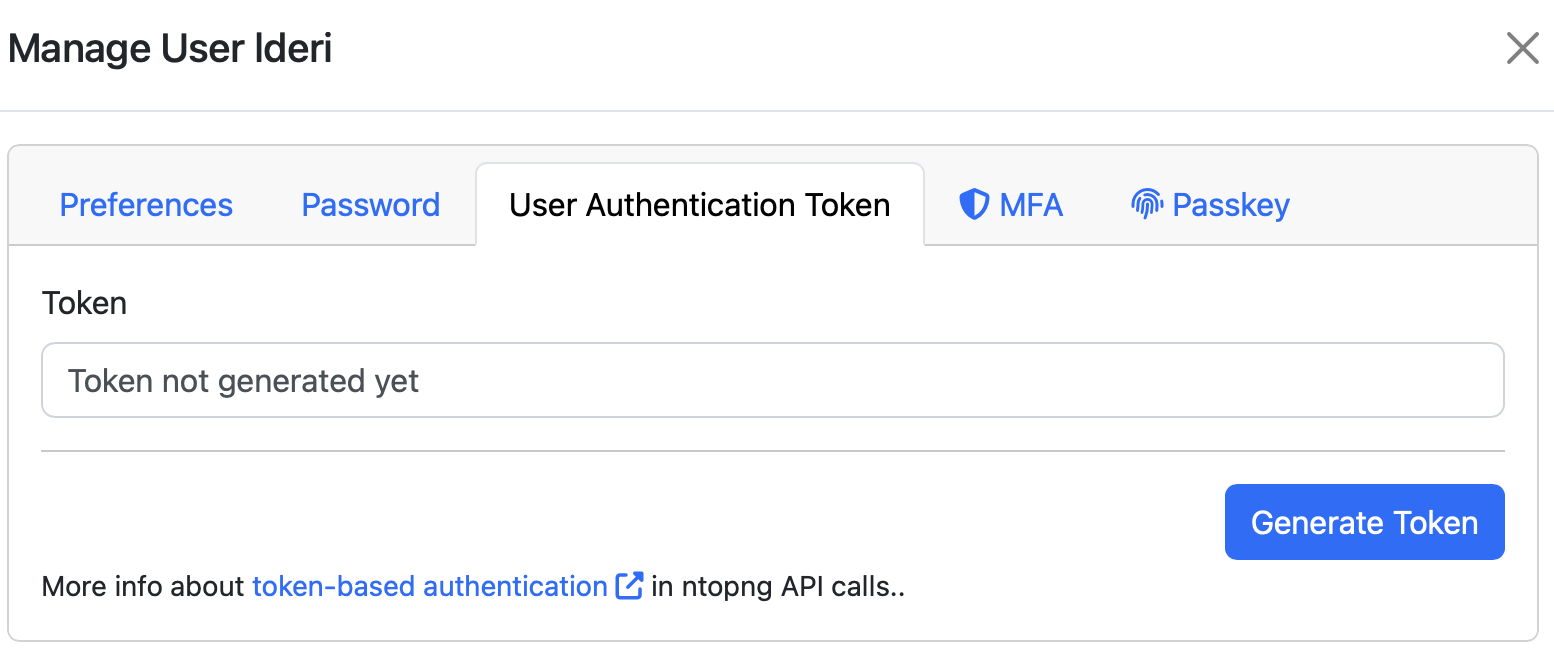
ntopng Auth Token
Cursor and other MCP clients
Use the same endpoint URL and authentication header. Refer to your client’s MCP configuration documentation for the exact format.
Available tools via MCP
The MCP server exposes all nAnalyst domain tools, including:
get_live_flows— query currently active flowsget_historical_flow— search historical flow recordsget_host_info— retrieve host metadata and statisticsget_asset_info— query asset inventoryget_snmp_device_info— retrieve SNMP device datachart— generate time-series or ranked chartsquery— execute arbitrary ClickHouse SQLadd_active_monitoring_script— register a new monitoring probecreate_ai_policy— create a policy from a natural language descriptionlist_protos— enumerate nDPI-detected application protocols
The examples above are only a subset. The MCP server exposes the same tools available to the nAnalyst chat interface. The complete, up-to-date list of tools and the editions that include them is maintained in one place: Tools and Licensing (online at Tools and Licensing).
Use cases
Analyst with Claude Code
An analyst running Claude Code on their workstation can connect to ntopng and investigate incidents using natural language — without opening a browser. The full nAnalyst reasoning capability is available through the terminal.
Custom agents
Security teams can build custom automation agents that call ntopng tools as part of a larger workflow — for example, an agent that correlates ntopng flow data with SIEM events or a ticketing system.
CI/CD and runbooks
Operational runbooks can query ntopng programmatically via MCP to verify network state before or after deployments.