
Multi-Factor Authentication (MFA) is a security system that requires users to provide two or more verification factors to gain access to a resource such as an application, online account, or VPN. The use of MFA with sensitive information as network traffic is a key feature, in particular for the ntopng admin users.
In the current dev branch (and soon stable) of ntopng we have introduced MFA. Once you have created a user, you need to click on the MFA tab and click on the blue button for enabling it.
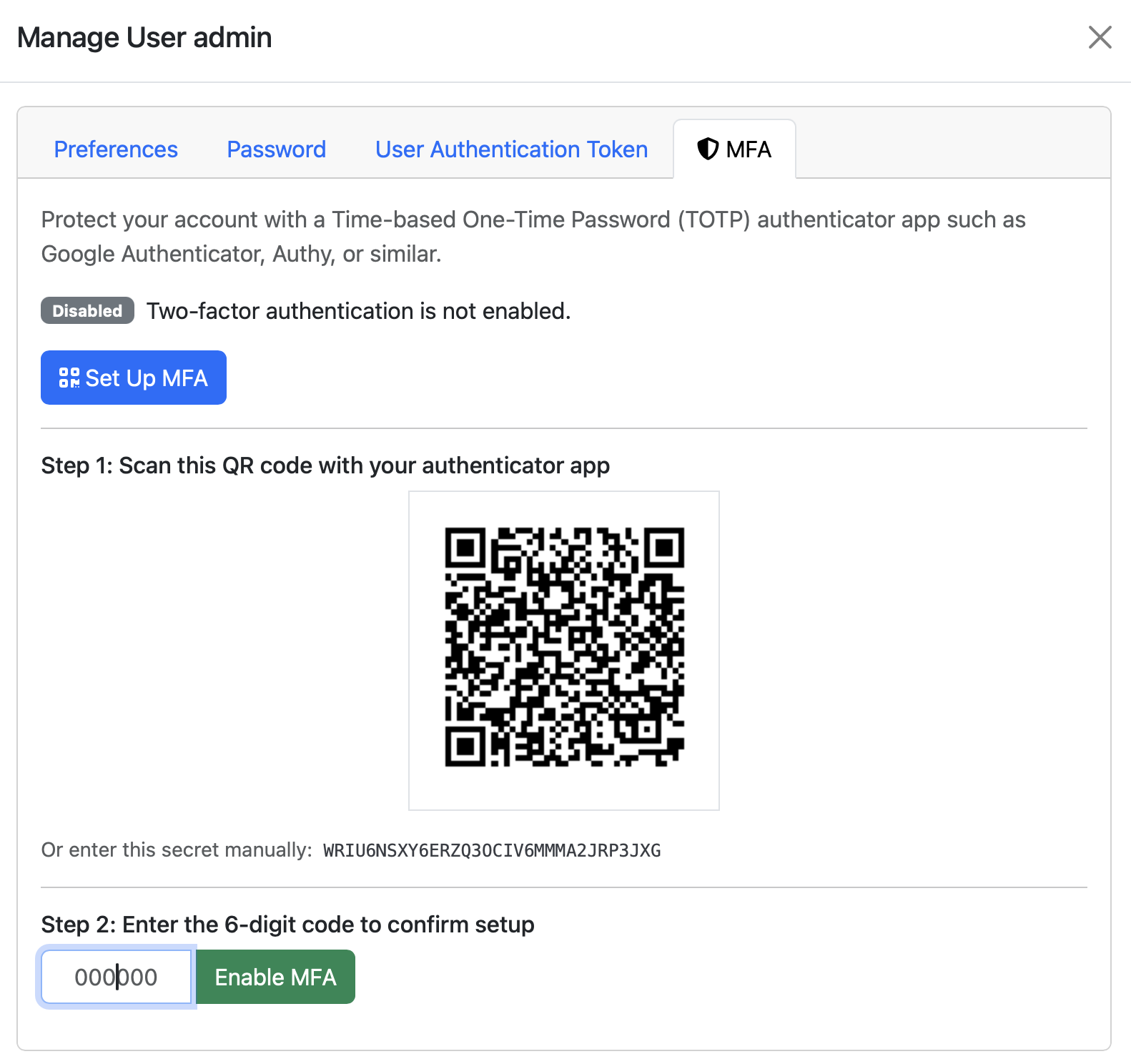
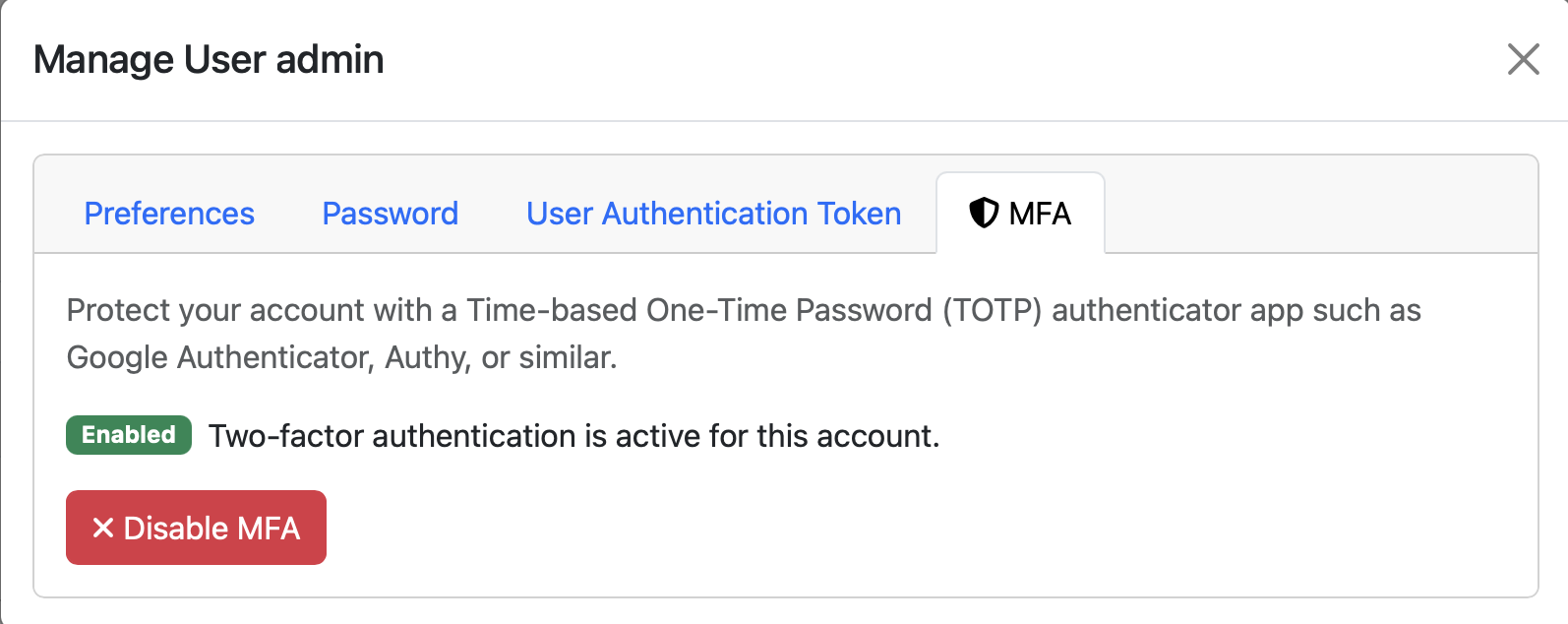
Using a TOTP application such as Google authenticator, you scan QR code and enter the 6-digit code shown in the authenticator. Done this the MFA is enabled, and you can disable it at any time clicking on the red button.
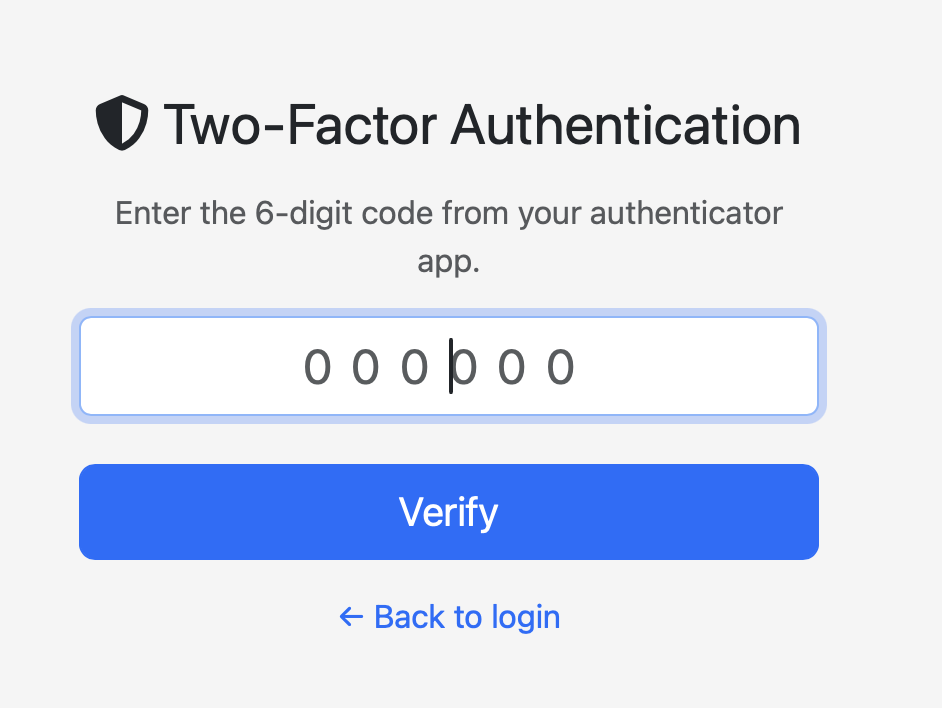
For users with MFA enabled, once you have entered the username/password login, ntopng shows you a new page where you need to enter the code you read on the authenticator application. If the code is correct, login will succeed otherwise your only option is to go back to the login page.
Happy MFA !