
Install ntop software
One command. The installer shows a menu, you pick the packages. Works on Ubuntu, Debian, Rocky, RHEL, FreeBSD, Windows and macOS.
Run the installer
System
Release
Pick your system and the steps appear below. Everything is automatic: the commands download and install ntop for you, there is nothing to configure by hand.
shell
sudo apt update
sudo apt -y install curl
sudo /bin/bash -c "$(curl -fsSL https://raw.githubusercontent.com/ntop/package-installer/refs/heads/main/quick_install.sh)"
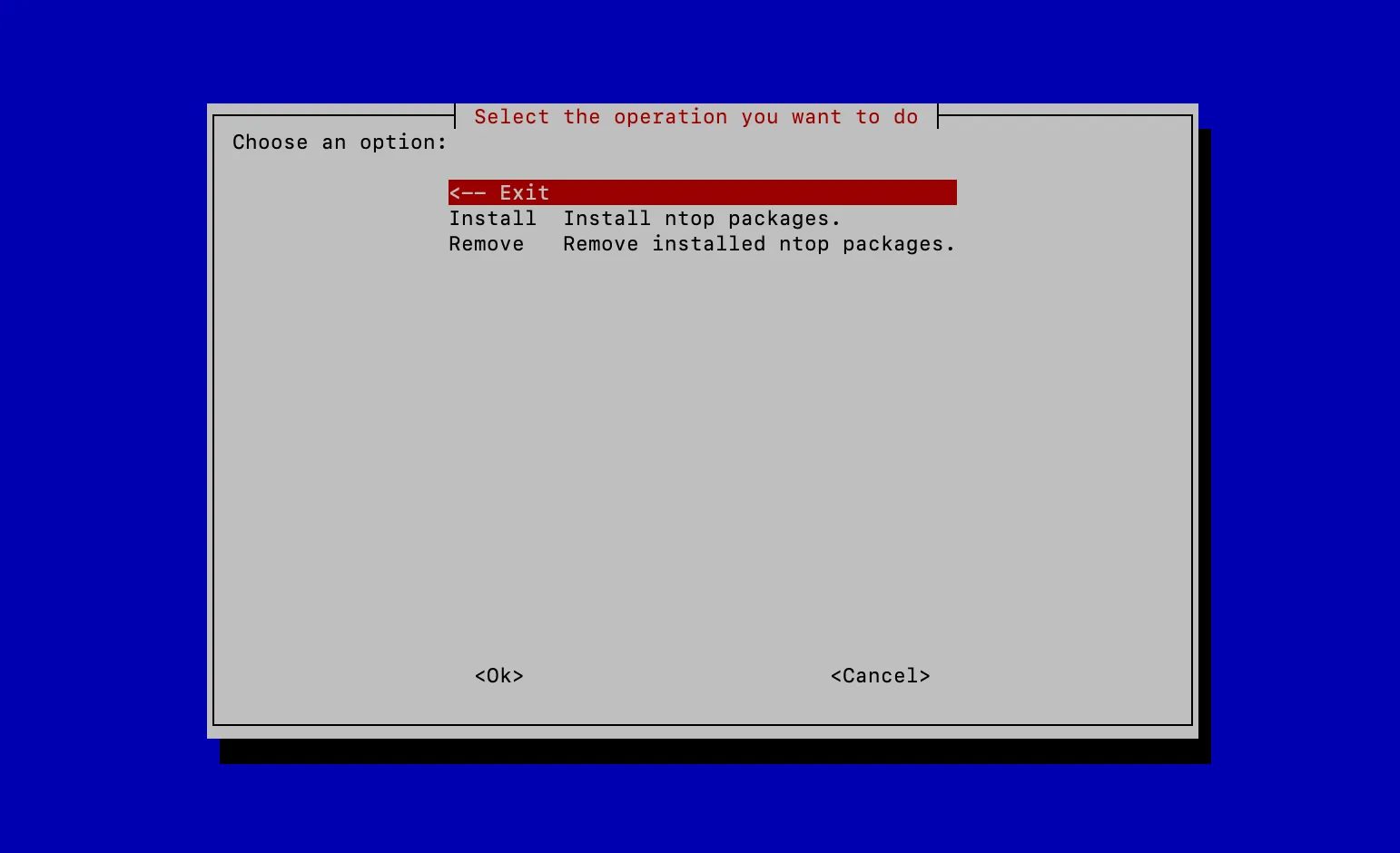
Pick packages from the menu
The installer is a text menu. Choose ntopng, nProbe, Cento, n2disk, nEdge, nTap or the ClickHouse database, and install or remove them without typing package names.
Next steps
Ready to see it on your network?
Download the free Community edition, or talk to the ntop team about scale, licensing and support.